
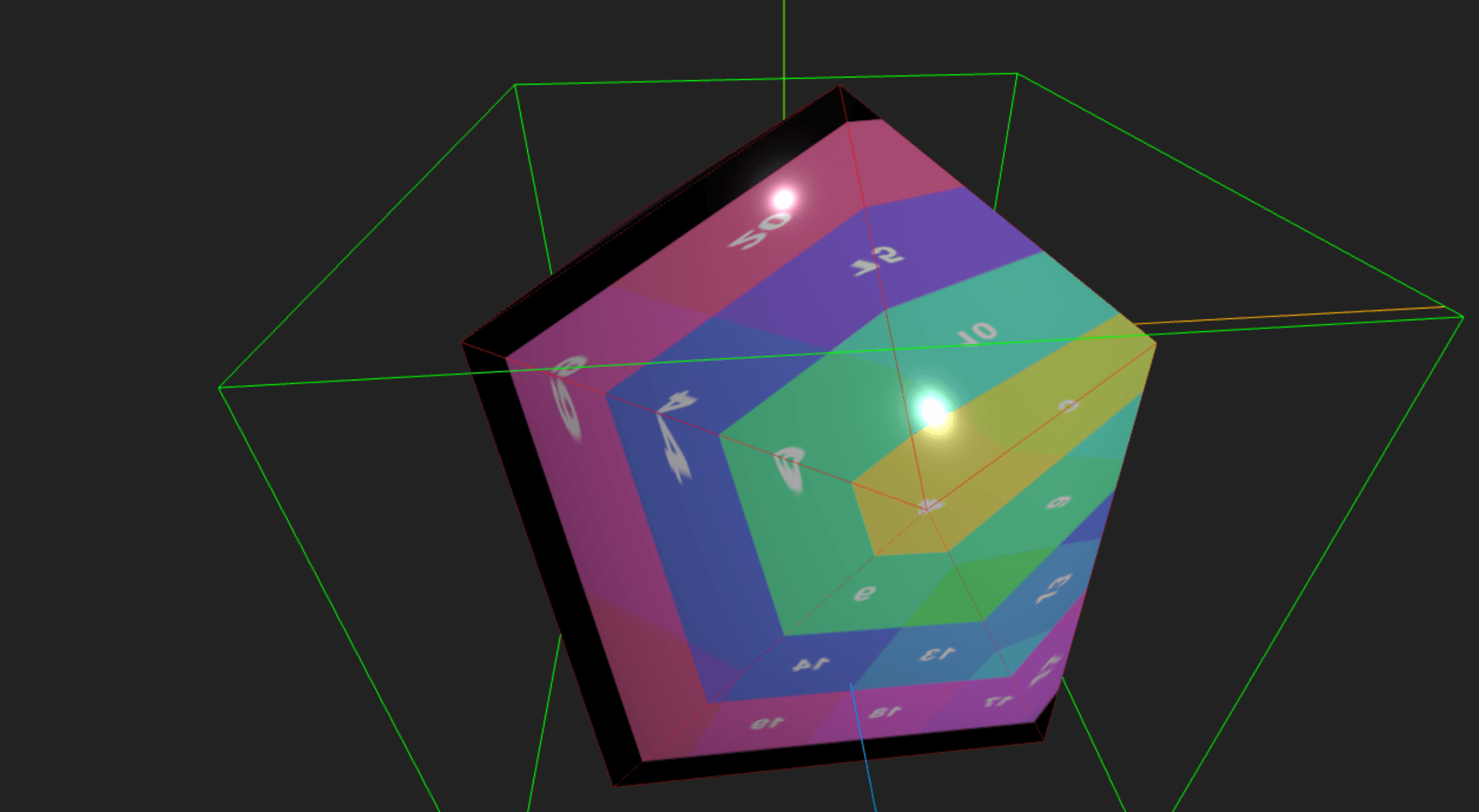
Quick Start Comparison
Last night while at Pinthouse Pizza I started to look into both Three.js and Babylon.js to create a simple D20 die renderer. Both frameworks offer impressive capabilities, but they take different approaches to 3D web development.
Three.js: Power Through Granularity
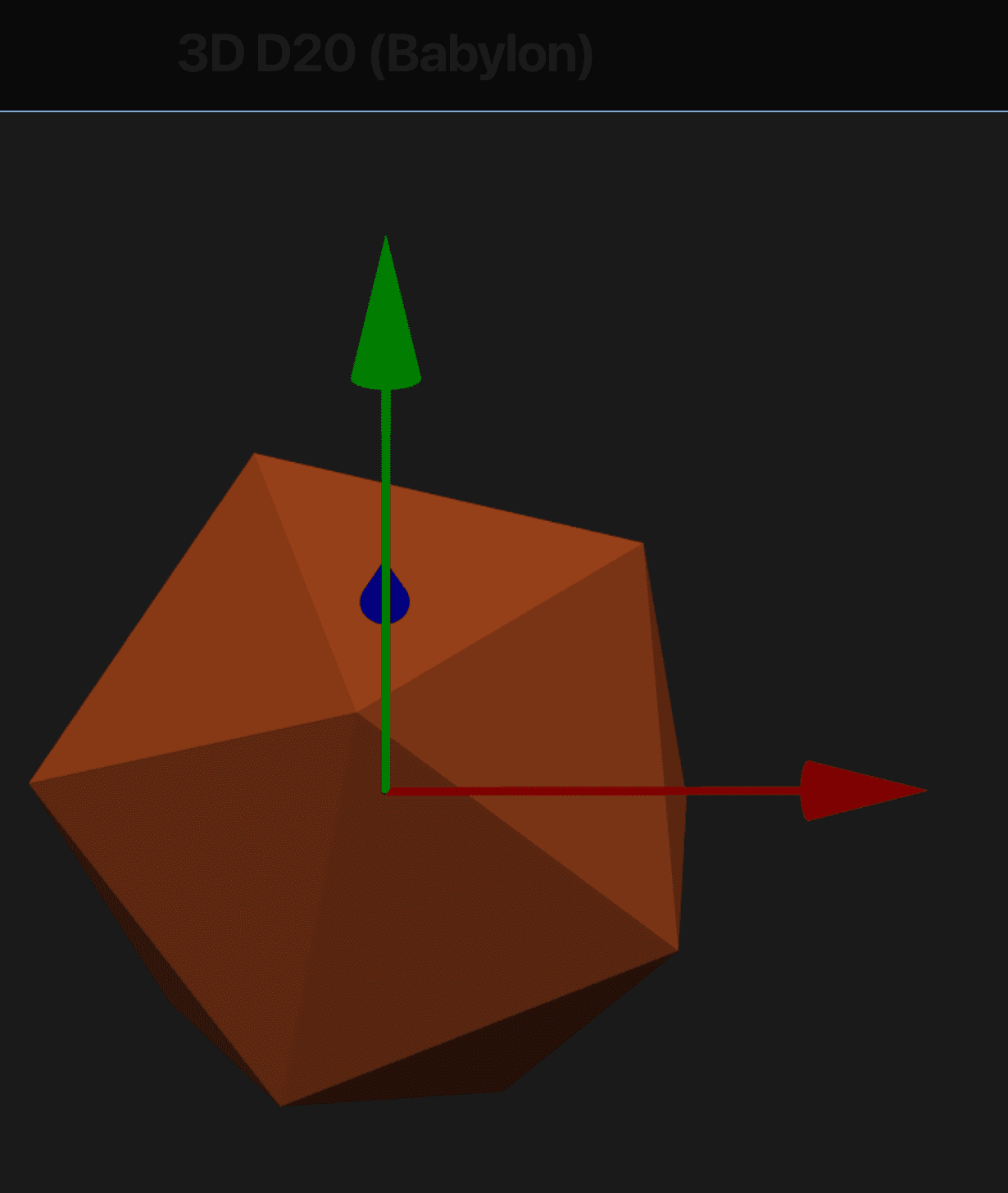
Three.js provides granular control over every aspect of 3D rendering. This power comes with a learning curve:
- Manual setup of scenes, cameras, and renderers
- Explicit control over geometry and materials
- Direct management of WebGL context
- More boilerplate code required
Babylon.js: Productivity Through Convention
Babylon.js takes a more opinionated approach, offering:
- Built-in scene management
- Automatic camera controls
- Integrated physics engine
- More "batteries included" functionality
Initial Observations
After implementing the same D20 renderer in both frameworks:
-
Setup Time:
- Three.js required more initial setup but offered more flexibility
- Babylon.js got us rendering faster with less code
-
TypeScript Support:
- Three.js needed separate @types package
- Babylon.js includes TypeScript definitions out of the box
-
Material Handling:
- Three.js gave more direct control over materials and textures
- Babylon.js provided simpler multi-material management
-
Learning Curve:
- Three.js: Steeper but more educational
- Babylon.js: Gentler but more abstracted
Code Comparison
Here's a quick look at creating a basic scene in both frameworks:
Scene Setup
typescript
// Scene setup
const scene = new THREE.Scene();
scene.background = new THREE.Color(0x222222);
// Camera setup
const camera = new THREE.PerspectiveCamera(75, width/height, 0.1, 1000);
camera.position.set(2, 2, 4);
camera.lookAt(0, 0, 0);
// Renderer setup
const renderer = new THREE.WebGLRenderer({ antialias: true });
renderer.setSize(width, height);
containerRef.current.appendChild(renderer.domElement);
// Basic D20
const d20Geometry = new THREE.IcosahedronGeometry(1);
const material = new THREE.MeshBasicMaterial({
color: 0xff0000,
wireframe: true,
side: THREE.DoubleSide
});
const d20 = new THREE.Mesh(d20Geometry, material);
And Babylon.js provides a more structured approach:
const engine = new Engine(containerRef.current, true);
const scene = new Scene(engine);
scene.clearColor = new Color3(0.1, 0.1, 0.1);
// Camera setup - much simpler!
const camera = new ArcRotateCamera(
"camera",
0,
Math.PI / 3,
8,
Vector3.Zero(),
scene
);
camera.attachControl(containerRef.current, true);
// Basic D20 - one line!
const d20 = MeshBuilder.CreatePolyhedron("d20", {
type: 3, // type 3 is icosahedron
size: 1.5
}, scene);
Animation Loop Comparison
Three.js requires manual animation frame handling:
typescript
const animate = () => {
requestAnimationFrame(animate);
d20.rotation.x += 0.002;
d20.rotation.y += 0.003;
controls.update();
renderer.render(scene, camera);
};
animate();
Babylon.js provides a more structured approach:
typescript
scene.registerBeforeRender(() => {
d20.rotation.y += 0.002;
d20.rotation.x += 0.003;
});
engine.runRenderLoop(() => {
scene.render();
});
Early Verdict
Both frameworks are powerful and capable, but they serve different needs:
-
Choose Three.js if you need:
- Maximum control over rendering
- Lighter weight bundle
- Deep understanding of 3D graphics
-
Choose Babylon.js if you want:
- Faster development time
- Built-in features
- More structured approach
This is just the beginning of my exploration into WebGL frameworks. Stay tuned for more detailed comparisons and advanced features!
More from the Blog
Strait Sweeper
Minesweeper played on the world's actual maritime chokepoints, with a news ticker that gets worse the longer you take.
Folders Are All You Need
Agent loops are real, but they need verifiers you do not have. A long field guide for everyone who is not a software engineer: the folder, the termina...
You Can't Photocopy a Ghost
The universe won't let you save-scum. Deciding is classical — by theorem. And a third lab just re-derived our definition of a mind by accident.
Subscribe to the Newsletter
Get notified when I publish new blog posts about game development, AI, entrepreneurship, and technology. No spam, unsubscribe anytime.
Comments
Loading comments...